
Technology strategy
Build vs. Buy Software: A Practical Decision Checklist
Compare packaged software, configuration, custom development and hybrid options using workflow fit, total cost, integrations and operational ownership.
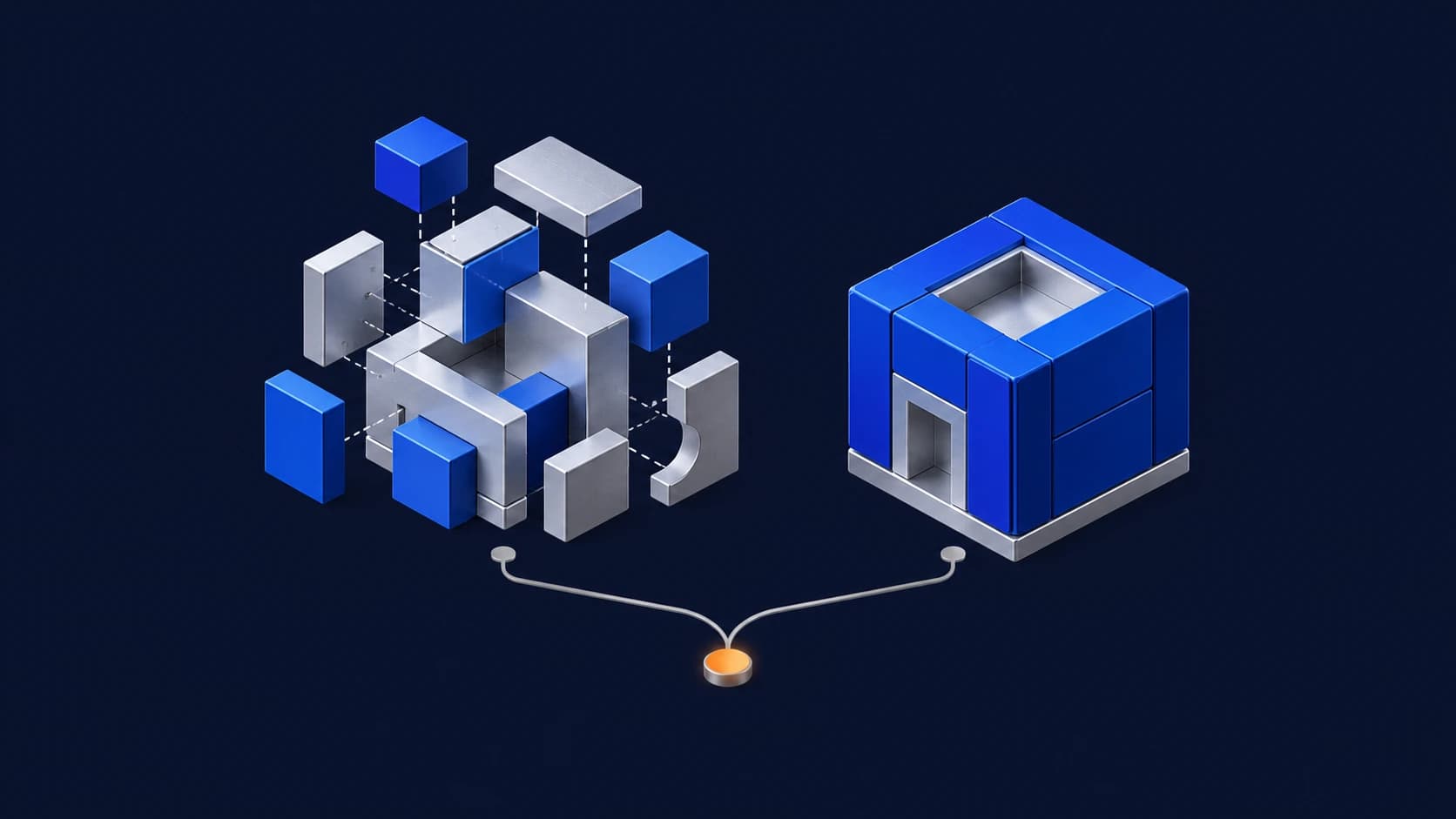
Building and buying software solve different problems. A packaged product can suit a common business requirement. Custom development may be useful when a distinctive workflow or product capability cannot be supported adequately by existing options.
Compare realistic alternatives, including configuration and integration. A hybrid approach may retain a proven platform for standard functions while adding a focused custom experience.
When buying may fit
Consider an existing product when its core workflow fits the need, configuration options are sufficient and the vendor’s commercial and operational terms are acceptable. Review integration, data-export and access capabilities before deciding.
Buying still involves implementation, migration, training and ongoing administration. A subscription does not remove those responsibilities.
When building may be justified
Consider custom development when requirements differ materially from available products and the organization can fund and own the software throughout its lifecycle.
A specialist approval journey spanning existing systems is one illustrative scenario. Discovery or a prototype should test its assumptions before a larger commitment.
Compare costs over the same period
For purchased software, include subscriptions, implementation, migration, integrations, customization, support and likely usage growth.
For custom software, include discovery, design, engineering, testing, hosting, third-party licenses or APIs, maintenance, security updates and future changes. Ownership and licensing depend on contracts and dependencies; custom development does not guarantee zero recurring fees.
Estimate ranges and uncertainties rather than treating either option as automatically cheaper.
The build-versus-buy checklist
- Workflow fit: Which requirements are essential rather than preferences?
- Configuration: Can the need be met without new software?
- Integration: Are suitable APIs, events and exports available?
- Delivery: What must be available first, and what is a realistic rollout scope?
- Data: Who can access, export, retain and delete records?
- Lifecycle cost: What changes with more users or transactions?
- Ownership: Who maintains, supports and approves changes?
- Exit: What would migration to another solution require?
Use a trial, demonstration or bounded prototype to challenge the highest-risk assumption. Record why the chosen option is preferable and what evidence would cause the team to reconsider it.